Atom structure
The visualization separates nucleons from electron shells. Shell counts use the simple capacity sequence used in introductory atomic models.
Playable atomic physics
Each panel is interactive and explains the physics while the user changes the system. The atom panel can be dragged, electron counts can be changed, and reaction controls update the animation immediately.
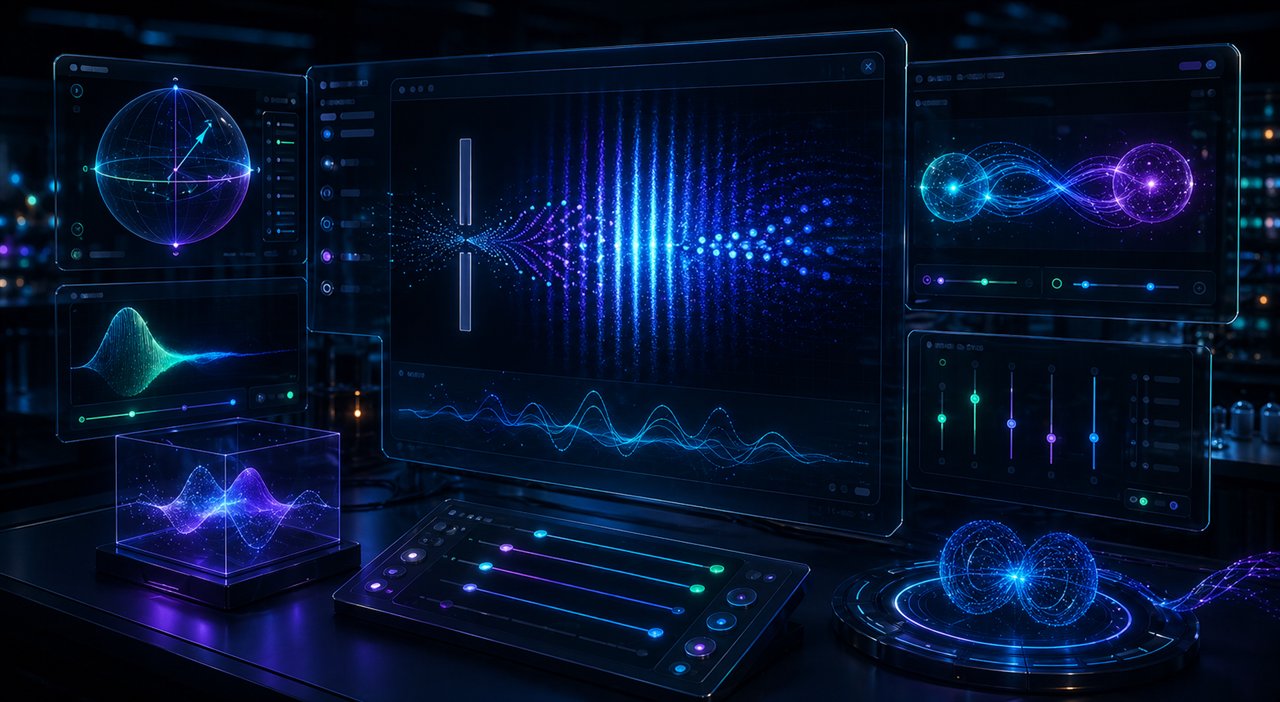
3D playable atom
This is a learning model: the nucleus contains protons and neutrons, while electrons occupy shell slots around it. Drag the canvas to rotate the view.
The visualization separates nucleons from electron shells. Shell counts use the simple capacity sequence used in introductory atomic models.
A spin-1/2 state gives probabilistic outcomes. Changing the Stern-Gerlach axis changes the probability of up and down results.
Orbitals
Atomic orbitals describe probability amplitudes. The dots are sampled from stylized density shapes to show why orbitals are not literal orbits.
Switch between an s cloud, p dumbbell, and d-style lobes. Brighter regions represent higher relative probability density.
Fusion combines light nuclei at high temperature and confinement. Fission splits a heavy nucleus after neutron absorption and can release more neutrons.
Electron combining experiment
Add or remove electrons to see shell capacity, paired spin states, and why elements change behavior as valence shells fill.
This panel uses the introductory shell capacity model. Opposite colors represent paired spin states in available slots.